
Android tablets are the best and compact option to fulfil all your internet and entertainment needs. The only disadvantage is, you cannot remove the back cover and enter an SD card. In order to connect with an SD card, you must have an external slot.
The situation gets worse when the tablet is damaged or the battery is dead, you cannot use it but you surely have an option to replace the battery. The sad part about lithium batteries is low durability, they last only for few charges usually 500-1000 nos. When you are connected to your tablet to the charging port and when it charges up to the optimum level it is considered as 1.
If you love to use the tablet every day, the battery will die within 1.5 years to 2 years of purchase. You may think of disposing the tablet as the batter is dead and the overall battery replacement cost is more. There is another great option, you can search for Tablet Batteries online and install it on your desired tablet and use it again. Below is the list of best Tablets with excellent Replaceable Batteries. All you need to do is to remove the battery and replace the old tab battery with a brand new one.
1. Toshiba Thrive 16 GB Android Tablet
When it comes to best android tablet, Toshiba tops the list, it is a robust 10.1-inch multi-touch widescreen display which makes use of Adaptive Display Technology. You can easily replace the battery and install a brand new one. In addition to it, you can carry the External Battery for Toshiba Thrive tablets and use it as per your need.
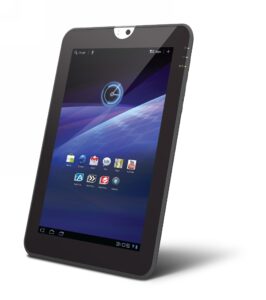
This is the perfect option when you are traveling or out of town. If you don’t have any access to the power cable, the device will still run well. You just need to insert the charged battery and use it. If you are searching for a budget-friendly option, your search is over. Toshiba Thrive 16 GB Android Tablet is value for money.
2. Samsung Galaxy Note GT-N7000
Samsung Galaxy Note GT-N7000 is a phablet and comes with a replaceable battery for great going. You just need to remover the back cover and add a new battery to it. This phablet comes with an inbuilt 1 Lithium battery which can be easily replaced anytime by the user. This is a second best option after Toshiba Thrive.
3. Samsung Galaxy Note 10.1
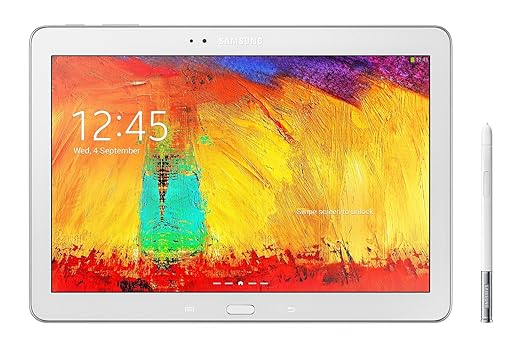
Samsung Galaxy Note is a versatile option and one among the best tablets. It comes with a powerful 1.4 GHz Quad-Core Processor which allows the user to watch endless movies, play games on the go. In addition to it, Galaxy Note 10.1 has 2 GB RAM Memory and comes with 2GB On-Board Memory and Mali 400MP Graphics Coprocessor. The best part about Samsung Galaxy Note 10.1 is it won’t hang even when you are playing movies are installing games. This is due to the strong processor and Graphics Coprocessor, it allows all the task to process seamlessly. This Note 10.1 allows smart touch and you can easily get the battery replacement online for an affordable price.
4. Dell Latitude Tablet
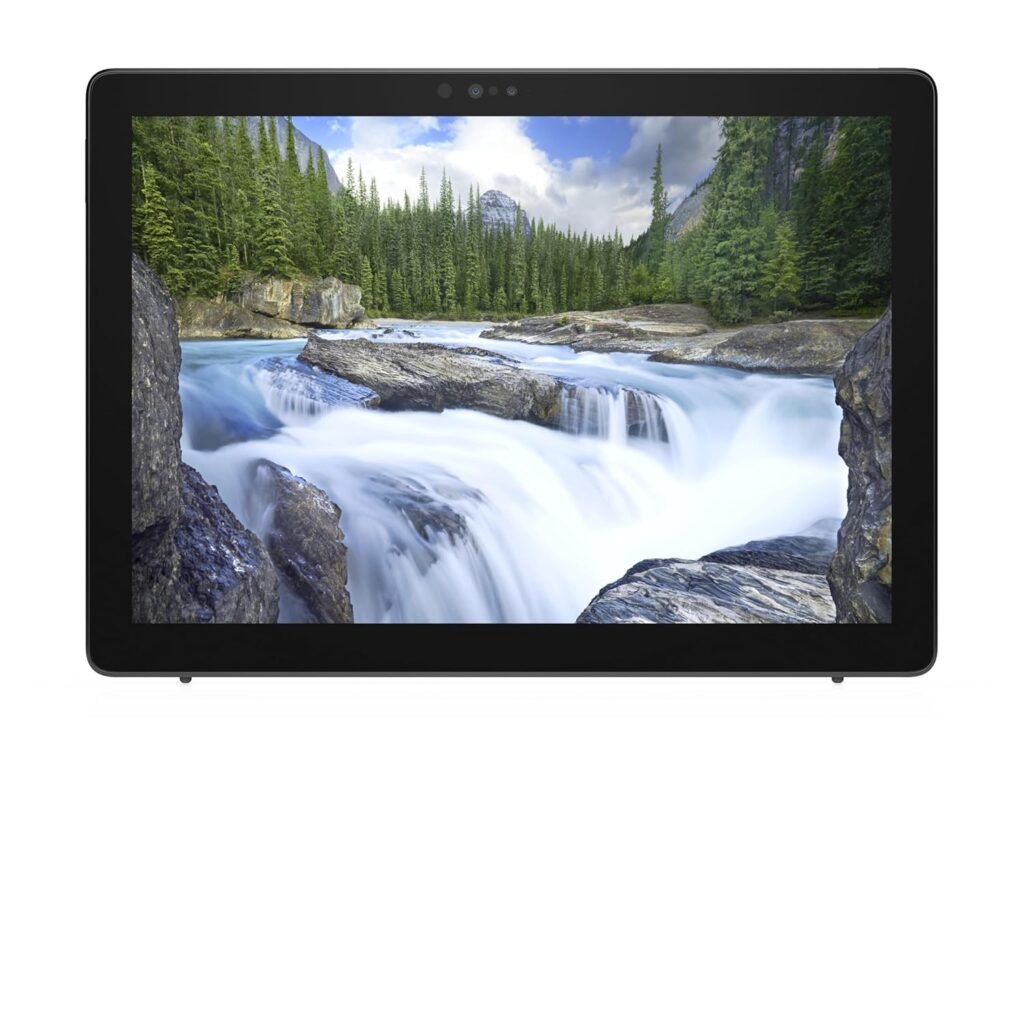
Dell is one of the top laptop manufacture company across the globe, they are famous for the sturdy processor and robust battery. The battery price is a little higher than other tablets but the performance is amazing too.
The Dell Latitude Tablet batteries are available on almost all leading e-commerce site.
It is always better to replace the battery rather investing in a new gadget. Hence, look for good tablets which provide an option of replaceable batteries.
